In short
- A few years ago, AI chat was the first wave. You asked, it answered, but every chat started from zero and the follow-up was still your job.
- Always-on agents such as Dots, Grokbot and Muse are the second wave. They remember your work, keep going when you step away, and tell you when something needs you.
- In my first seven days with one, it sorted out a meeting clash while I was driving, briefed me every morning, shared a to-do board with me, flagged messages I would have missed, and helped get a website to the top of Google.
- We have moved from AI that answers to AI that follows through. It is an exciting time to be working.
From chat to always-on
AI chat felt like magic, but every chat started from zero and the work stopped when you closed the window.
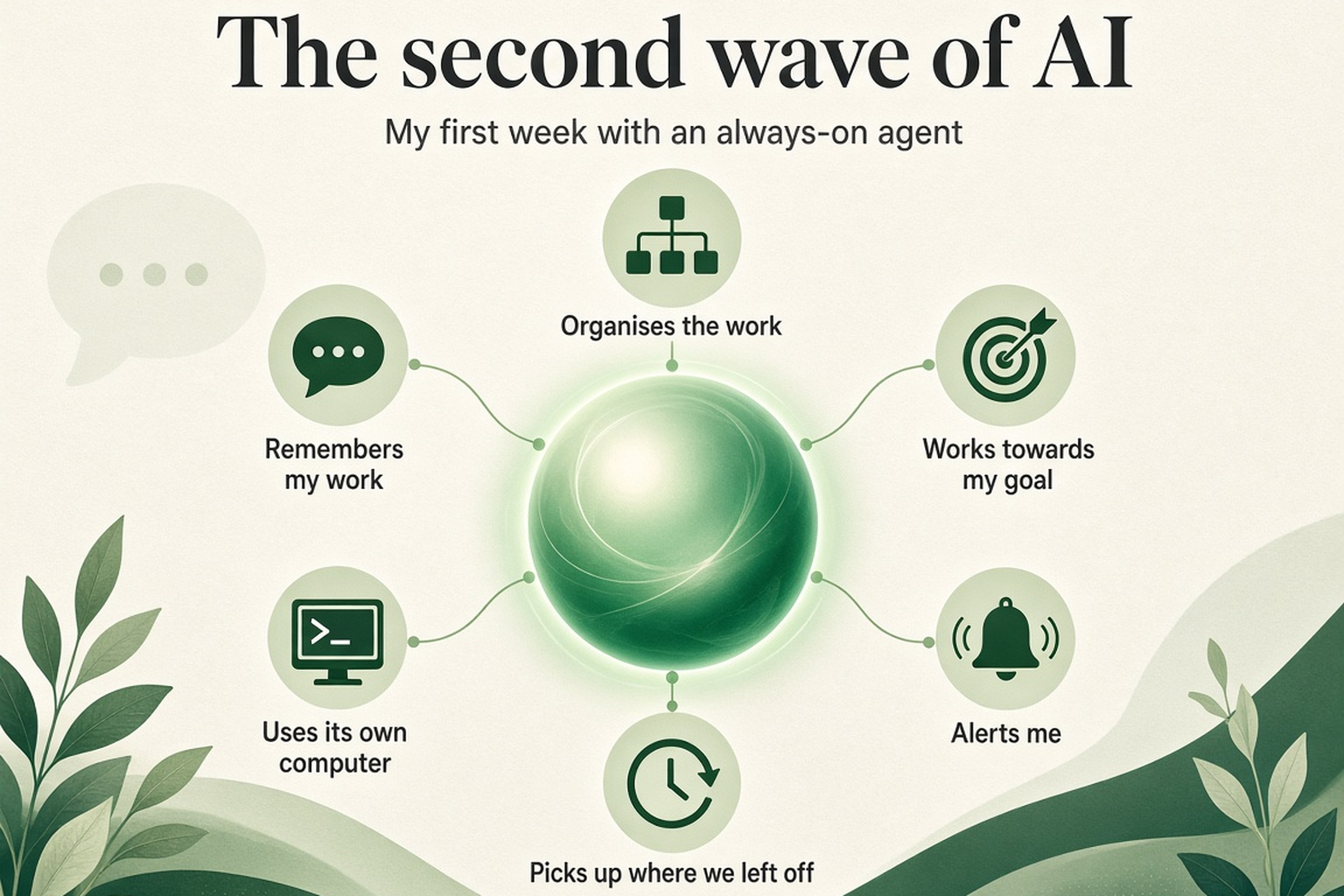
An always-on agent is different. It remembers my preferences and decisions. It uses its own computer, plus my laptop when connected. I describe the goal and it works out the steps. It alerts me when something needs attention. And it picks up where we left off, even after I close my laptop.
1. It sorted out my meetings while I was driving
On my way to a budget meeting, my agent messaged me about a meeting clash later that day. I had asked two colleagues to reschedule, and the agent checked our chat: they had agreed on a new time.
I asked it to confirm. Before sending anything, it noticed the new time clashed with a meeting with a third colleague. It checked that colleague's calendar and the free meeting rooms, then suggested a slot. I said "OK." It moved the meeting and sent the confirmation.
It caught the second clash before confirming the first. I made every decision from the car, in one conversation.
2. Every morning, I know what needs my attention
Each morning, the agent checks my email, messages and calendar, then updates a simple web page with all my open issues. It gives me:
- A morning brief of priorities, messages and meetings
- Meeting prep and follow-up lists
- Quick status updates when a colleague asks about an issue
- Meeting notes with decisions and next steps
- A weekly product review that flags risks and open issues
3. One shared to-do list for the agent and me
Chat is a poor place to track many tasks. So we share one task board with four columns: In progress, Waiting for me, Blocked and Completed. I add tasks. The agent updates progress and follows up on anything unfinished. I see every task's status at a glance.
4. It tells me when something needs my attention
- An unanswered message: a colleague's request had waited two hours. The agent reminded me.
- A security email: while clearing an inbox of 13,000+ emails, it flagged a provider's request to reset my password after a reported data breach.
- Meeting clashes: it spots them and asks me to pick a new time.
5. I gave it a goal, and it worked out the steps
I said: "I want search engines and AI to find my site." No task list. It set up the metadata, sitemap and robots.txt, connected Google Search Console and Bing Webmaster Tools, and set up Google Analytics with a consent policy.
Within two days, my site ranked first on Google for my search, and stayed there for three days. Rankings vary by search, but I gave it a goal, not instructions, and it delivered.
Why this feels like a new era
In all five stories, the pattern is the same. I describe the outcome. The agent does the legwork. I make the decisions.
Always-on agents are closer to a teammate than a tool. If the first wave taught us to ask AI better questions, this one will teach us to hand it real goals. It is an exciting time to be working.